

Description
Download Times – Newspaper‑Style RSS Reader for Windows, macOS & Mobile
Overview
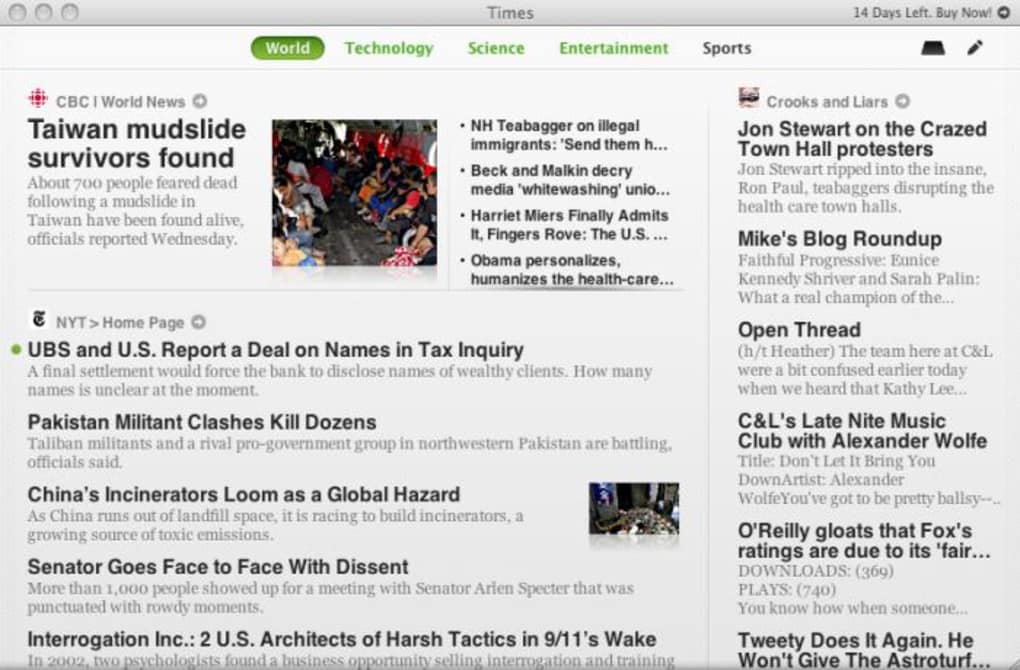
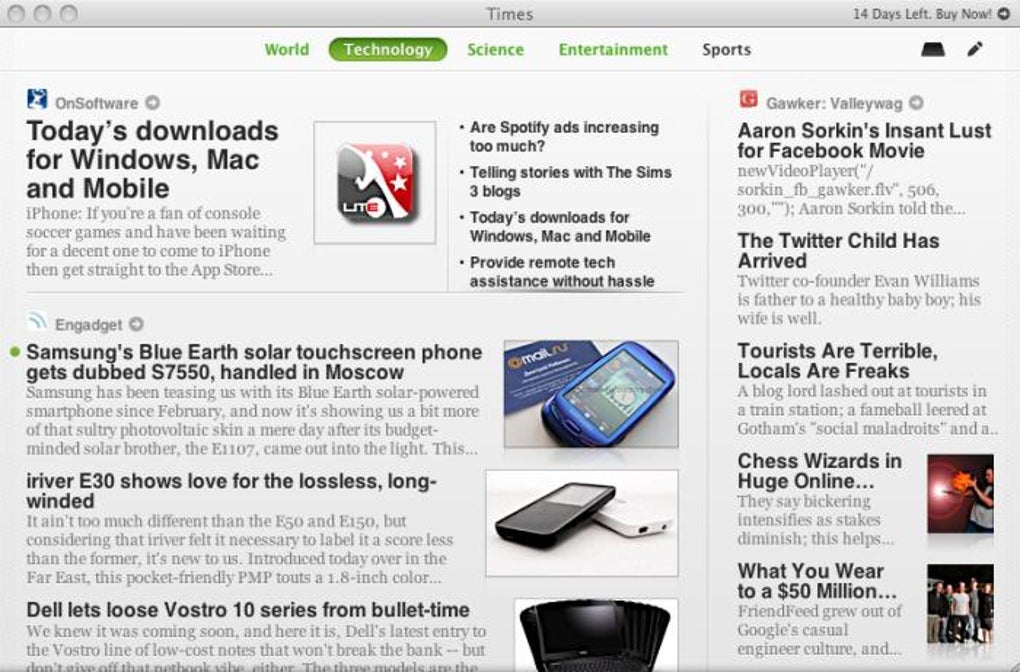
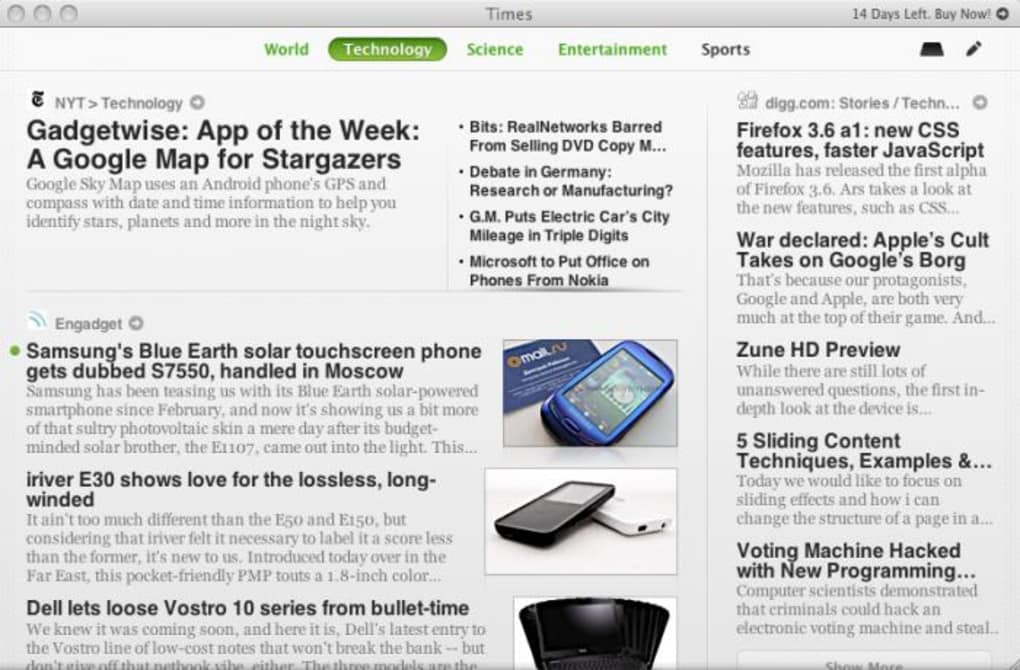
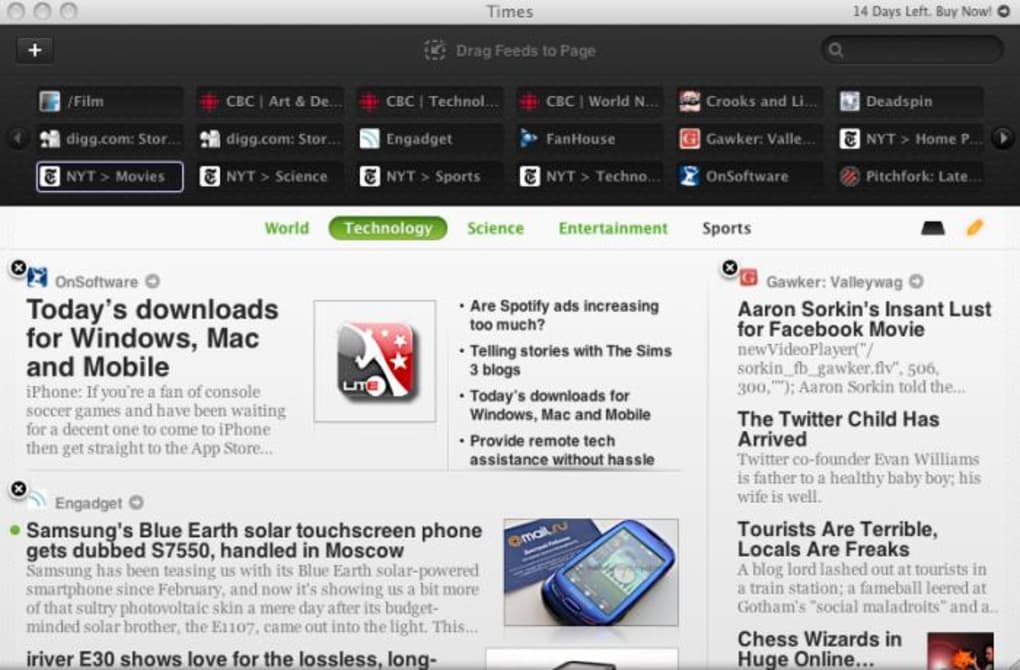
Times reimagines the classic newspaper layout for modern RSS consumption. While traditional RSS readers present feeds as endless lists, Times arranges your favorite sites into clean, column‑based pages that mimic the look and feel of a printed periodical. The app groups articles under familiar section headers such as Technology, Science, Sport, and News, letting you flip between “pages” the same way you would turn newspaper sections. Adding a new feed is as simple as typing a URL, confirming the green tick, and dragging the feed into the desired column. The intuitive “Shelf” feature works like macOS Stacks: you can stash articles for later reading, and the shelf expands to show each saved item in a tidy stack view. Integration with Digg, Facebook, and Twitter means you can share stories with a single click, while built‑in Twitter support lets you instantly tweet any article. Times is especially appealing to users who crave the nostalgia of a newspaper layout or who have struggled with the bland, scroll‑heavy design of most RSS tools. Though the visual design shines, some navigation quirks—like the need to use the View menu to hide the feeds panel—can feel a bit dated. Overall, Times delivers a fresh, elegant reading experience without sacrificing the core power of an RSS aggregator.
Key Features
- Newspaper‑style interface: Articles are displayed in columns with section headers, replicating the classic newspaper layout.
- Custom page creation: Users can create unlimited pages, name them, and arrange feeds exactly where they want.
- Drag‑and‑drop feed management: Add, reorder, and position feeds with a simple mouse drag, making personalization fast.
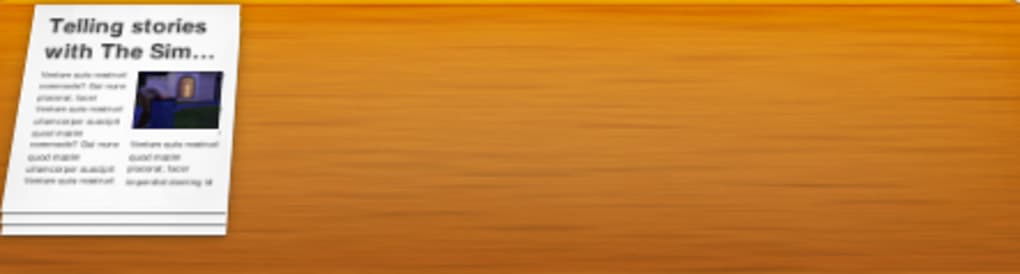
- The Shelf (Stacks‑style): Save articles for later reading; the shelf expands to show stacked items in a clean preview.
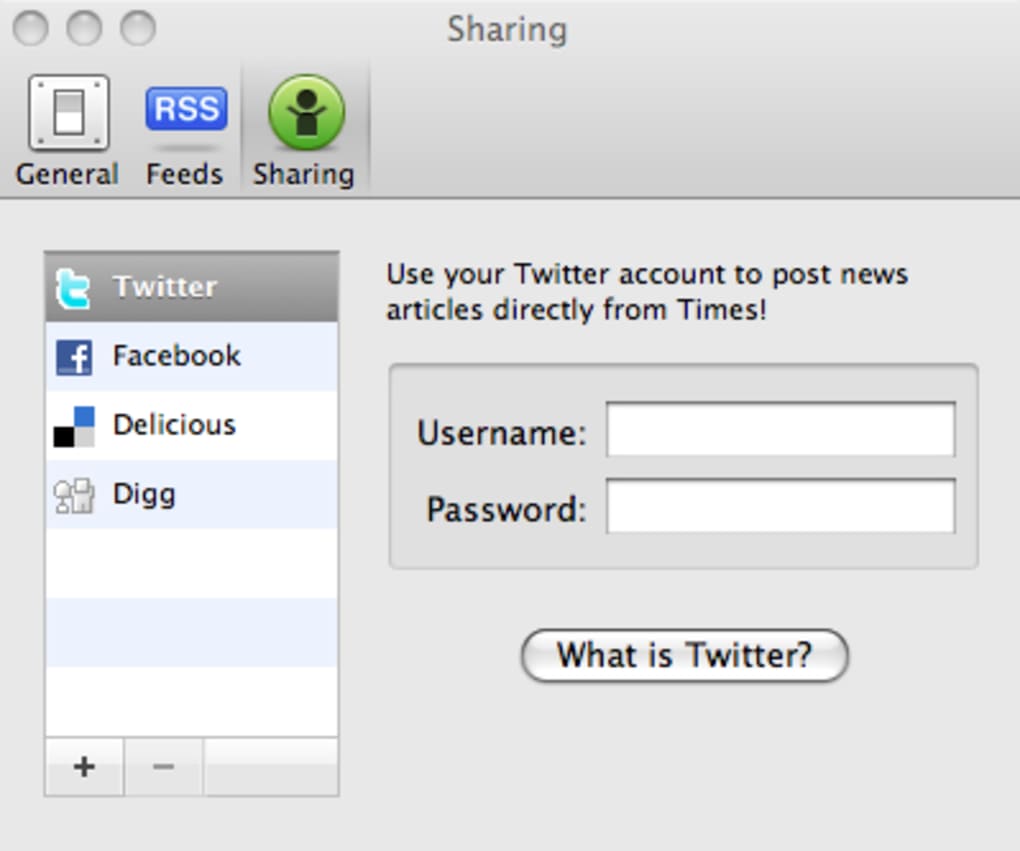
- Social sharing integration: One‑click sharing to Digg, Facebook, and Twitter; built‑in Twitter support for instant tweeting.
- Multi‑touch gestures: Navigation gestures for MacBooks with multi‑touch trackpads, enhancing fluidity.
- Customizable sharing links: Adjust which social platforms appear for each article.
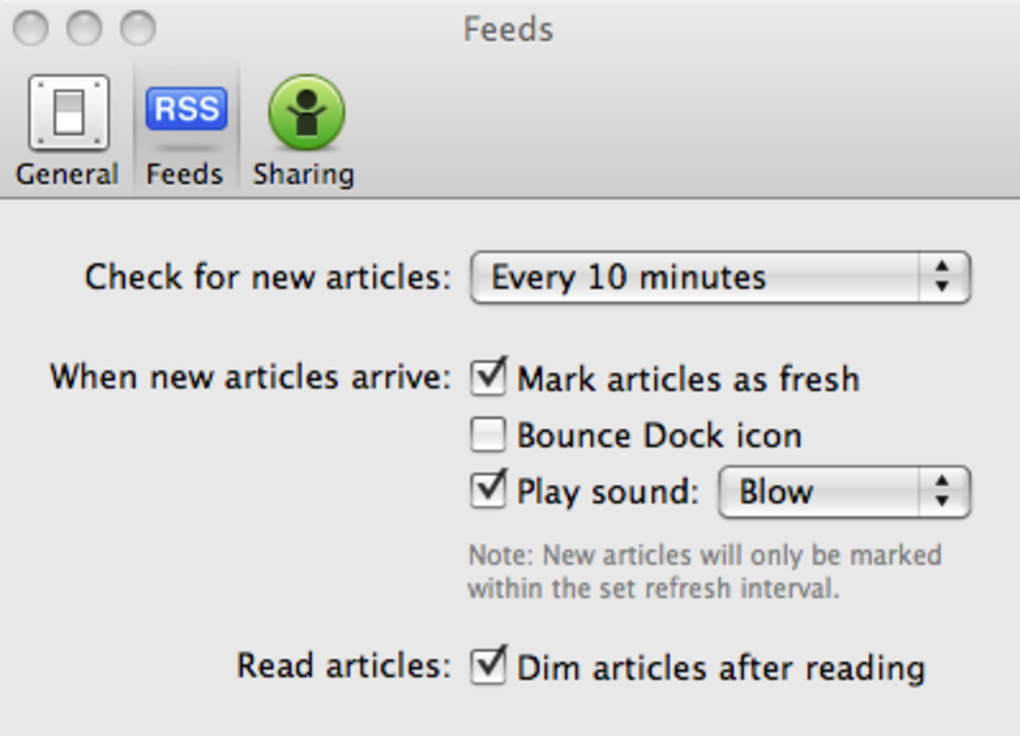
- Article dimming: Automatically dim articles after you’ve marked them as read, reducing visual clutter.
- Show more articles per feed: Option to expand the number of items displayed from any feed.
- Automatic RSS detection: When you type a website address, Times quickly checks for a valid RSS feed and confirms with a green tick.
Installation & Usage Instructions
Downloading and Installing Times
Times is available as a free download for Windows 10/11, macOS 10.14 and later, as well as Android and iOS. Visit the official Times website or your platform’s app store, click the Download button, and follow the standard installer prompts. On Windows, the installer creates a shortcut on the desktop and registers the app in the Start menu. On macOS, drag the Times icon into the Applications folder. Mobile versions install like any other app from Google Play or the App Store.
First‑time Setup
When you launch Times for the first time, you’ll be greeted with a default home page containing four sample sections: Technology, Science, Sport, and News. To replace these with your own feeds, click the pencil icon in the top‑right corner. The feeds panel opens, prompting you to enter a website address. Times automatically checks for an RSS feed; once the green tick appears, assign a friendly name and press Add. The new feed appears in the panel, ready to be dragged onto any column of your chosen page.
Creating Custom Pages
Navigate to Edit → Create Page. Name your page (e.g., “Morning Briefing”) and select a layout (single‑column, two‑column, or three‑column). After the page is created, you can switch to it via the top navigation bar. Drag feeds from the panel onto the page, arrange them in the order you prefer, and resize columns by dragging the dividers. The Shelf is accessed by clicking the shelf icon in the upper‑right; drag any article onto the shelf to bookmark it for later.
Reading and Sharing Articles
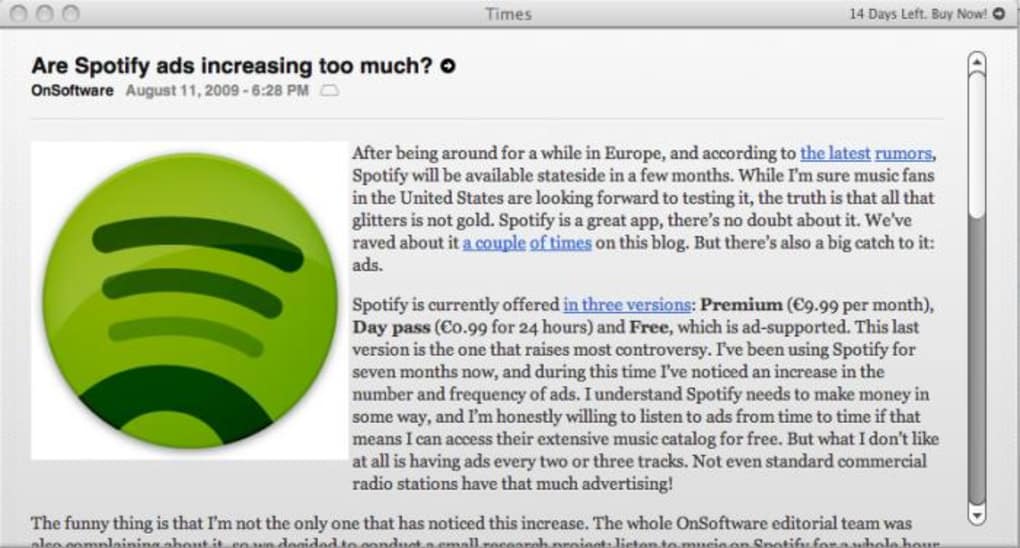
Click any article headline to expand the full summary. If you want to read the original source, click the title; it opens in your default browser. For quick sharing, use the social icons beneath the article. The built‑in Twitter button lets you tweet the headline and link without leaving Times. To mark an article as read, simply click the “Mark as Read” button; the text dims automatically if you have enabled article dimming in Settings.
Keeping Times Updated
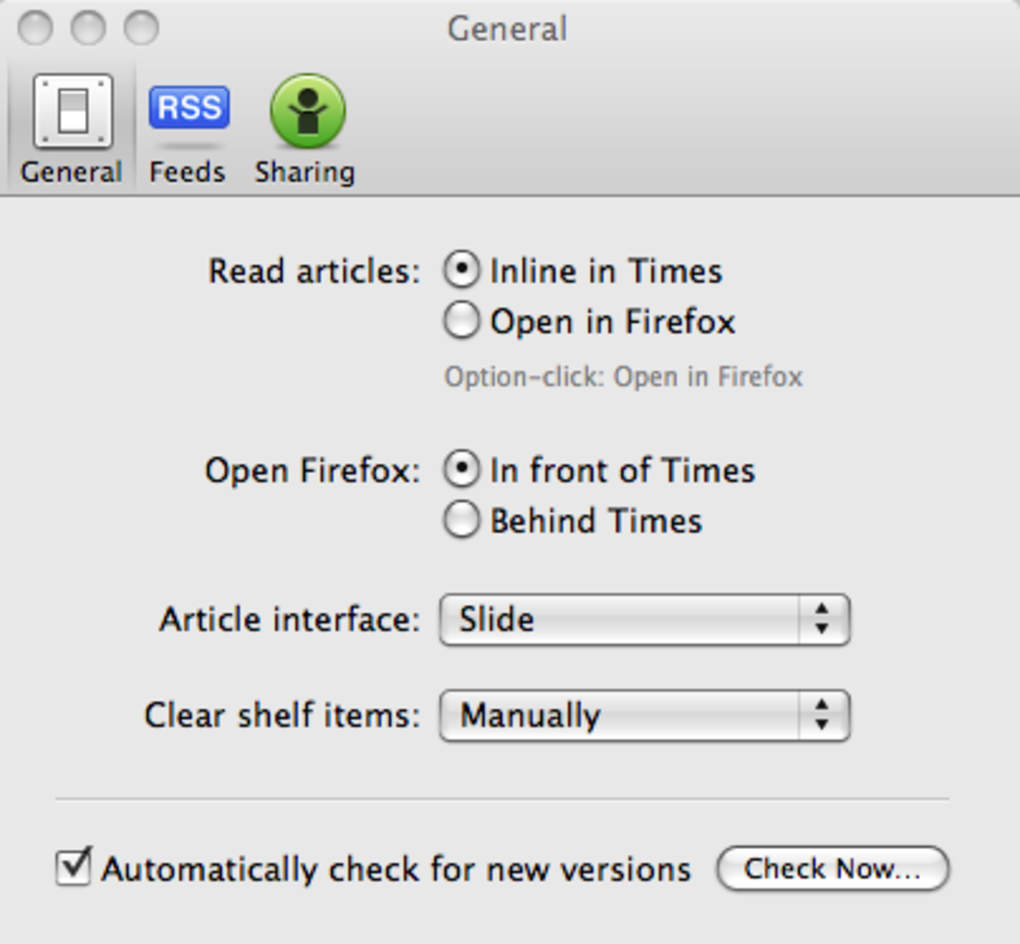
Times checks for updates automatically each time it starts. You can also manually trigger an update by selecting Help → Check for Updates. Updates are delivered as small patches, ensuring a secure and fast download experience. The app signs every update with a cryptographic certificate, guaranteeing that you receive only authentic, unmodified software.
Compatibility, Performance & Pros / Cons
Operating System Support
Times runs natively on Windows 10/11 (x64), macOS 10.14 Mojave and later, Android 7.0+, and iOS 12+. The desktop versions leverage native UI frameworks (WinUI for Windows, AppKit for macOS) to deliver smooth scrolling and crisp typography. Mobile versions are optimized for touch, supporting pinch‑to‑zoom and swipe gestures for page navigation.
Performance Highlights
Because Times loads only the RSS XML and not full web pages, it consumes minimal bandwidth and starts up in under two seconds on most modern machines. The newspaper layout is rendered using hardware‑accelerated CSS, providing fluid scrolling even with dozens of active feeds. Background refreshes occur every 15 minutes by default, a configurable interval that balances timeliness with battery life on mobile devices.
Pros
- Visually appealing newspaper layout that makes reading feel familiar and organized.
- Highly customizable pages and drag‑and‑drop feed arrangement.
- “Shelf” feature for easy bookmarking and later reading.
- One‑click social sharing, including built‑in Twitter support.
- Lightweight, fast startup and low memory footprint.
- Cross‑platform availability (Windows, macOS, Android, iOS).
- Automatic RSS detection simplifies adding new feeds.
Cons
- Hiding the feeds panel requires navigating the View menu rather than a simple drag gesture.
- Comments on articles cannot be accessed within Times; they open in an external browser.
- Some users find the navigation menu a bit dated compared to modern minimalist readers.
- No built‑in article search across all pages (requires third‑party extensions).
Overall Rating: 4.5 / 5 – Times delivers a fresh, newspaper‑styled RSS experience that feels both nostalgic and functional. The few UI quirks are outweighed by its strong customization options and smooth performance.
Frequently Asked Questions
Is Times free to use?
Yes, Times is completely free on all platforms. There are no hidden fees, and the app does not display intrusive advertisements.
Can I import my existing RSS subscriptions from another reader?
Times supports OPML import. From the File menu, select Import → OPML, locate your OPML file, and all your existing feeds will be added to the feeds panel.
How often does Times refresh my feeds?
By default, Times checks for new articles every 15 minutes. This interval can be changed in Settings → Refresh Interval, ranging from 5 minutes to 2 hours.
Does Times work on Linux?
Currently, Times is officially supported only on Windows, macOS, Android, and iOS. A Linux version is planned for a future release, but you can run the Windows version through Wine with limited functionality.
Can I customize the color scheme or fonts?
Yes. In Settings → Appearance, you can choose between Light, Dark, and Sepia themes, as well as adjust the default font size and type for article headlines and body text.
Conclusion & Call to Action
Times breathes new life into RSS aggregation by marrying the timeless charm of a printed newspaper with the convenience of modern feed technology. Its drag‑and‑drop page editor, Shelf bookmarking, and seamless social sharing make it a standout choice for anyone who wants a more organized, visually pleasing reading experience. While a few navigation quirks remain, they are minor trade‑offs for the unique layout and low‑resource performance the app provides. If you’re tired of scrolling through endless lists or crave a nostalgic newspaper feel, give Times a try today. Download Times now from the official website or your platform’s app store and start curating your own digital newsroom.
Guides & Tutorials for Times
How to install Times
- Click the Preview / Download button above.
- Once redirected, accept the terms and click Install.
- Wait for the Times download to finish on your device.
How to use Times
This software is primarily used for its core features described above. Open the app after installation to explore its capabilities.
User Reviews for Times 0
No reviews found





.webp)